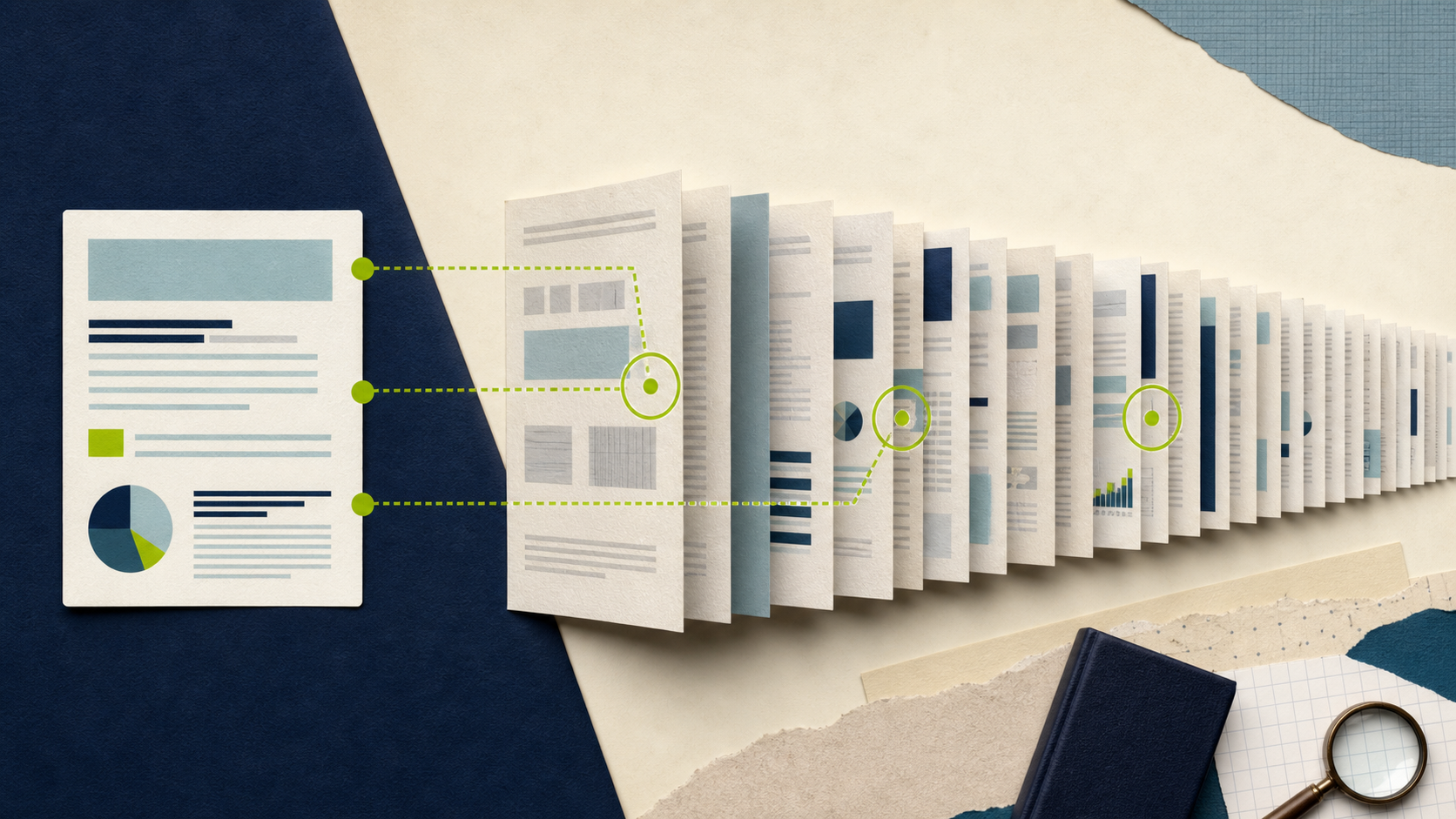
Reading a 50-page contract to find the termination clause. Skimming a 200-page research paper for the methodology section. Hunting through a 30-page report for a specific data point. We've all been there — staring at a PDF, scrolling endlessly, trying to find one piece of information buried in a mountain of text.
AI PDF chat changes this entirely. Instead of reading the whole document, you have a conversation with it. Ask a question, get an answer with a page reference. Need a summary? One click. Want to compare sections? Just ask. It's like having a research assistant who has already read the entire document and can recall any detail instantly.
How AI PDF Chat Works
The technology behind this is straightforward, even if the underlying AI is complex.
When you upload a PDF, the system first extracts all the text content from the document. It then breaks that text into smaller chunks and indexes them. When you ask a question, the AI searches through those chunks to find the most relevant passages, then uses those passages to generate a natural-language answer.
This means a few important things. First, the AI isn't just searching for keywords — it understands context and meaning. You can ask "What's the penalty for late payment?" and it will find the relevant section even if the contract uses terms like "delinquent remittance" or "overdue balances."
Second, good AI PDF chat tools cite their sources. They tell you which page or section the answer comes from, so you can verify the information yourself. This is crucial — you should always be able to check the AI's work against the original document.
Third, the AI maintains context across your conversation. You can ask follow-up questions, request clarifications, or dive deeper into a topic without re-explaining everything each time.
Want to try it right now? Head over to AI PDF Chat and upload any document. It's free, instant, and runs entirely in your browser.
Use Cases: When AI PDF Chat Saves You Time
Let me walk through the scenarios where this technology shines brightest.
Research Papers and Academic Literature
Researchers read dozens of papers a week. AI PDF chat lets you quickly extract key information — the methodology, main findings, limitations, and conclusions — without reading every word. Ask "What dataset did they use?" or "What are the limitations mentioned?" and get immediate answers with page references.
For literature reviews, you can upload multiple papers and compare findings across them. This turns hours of reading into minutes of targeted questioning.
Legal Contracts and Agreements
Contracts are written in dense, technical language that's hard to parse. AI PDF chat excels here because you can ask plain-English questions about complex legal documents. "What are my termination rights?" "Is there a non-compete clause?" "What happens if I miss a payment?"
The AI finds and explains the relevant clauses in language you can actually understand. It's not a substitute for legal advice, but it's an incredible tool for getting oriented before you talk to your lawyer.
Textbooks and Course Materials
Students can upload textbook chapters and ask questions about the material. "Explain the concept of marginal utility as described in this chapter." "What are the key differences between mitosis and meiosis according to this text?" It's like having a tutor who has memorized your textbook.
This works for study guides too. Upload your notes and ask the AI to quiz you, generate summaries, or explain concepts you didn't fully grasp in class.
Business Reports and Financial Documents
Quarterly reports, market analyses, product documentation — these are all documents where you need specific information buried in pages of context. Instead of reading the full 80-page report, ask "What was the revenue growth in Q3?" or "What are the main risk factors identified?"
The AI pulls out exactly what you need, cites the page, and can even compare data across sections of the same document.
Technical Documentation
API docs, user manuals, specification sheets — technical docs are comprehensive but hard to navigate. Ask "How do I authenticate with this API?" or "What are the hardware requirements?" and get precise answers instead of digging through tables of contents and indexes.
Getting the Best Results from AI PDF Chat
Like any tool, you get better results when you know how to use it well. Here are the techniques that make a real difference.
Start with a summary request. Before diving into specific questions, ask the AI to summarize the document. This gives you a mental map of the content and helps you ask more targeted questions. Try: "Give me a brief summary of this document and its main sections."
Ask specific, focused questions. Vague questions get vague answers. "Tell me about this document" gives you a generic overview. "What are the three main arguments presented in the methodology section?" gives you a precise, useful answer.
Use follow-up questions to drill deeper. The AI remembers your conversation. If you ask "What are the key findings?" and then want more detail on one specific finding, just say "Tell me more about the second finding" rather than restating the whole question.
Request comparisons and analysis. You're not limited to simple Q&A. Ask the AI to compare sections, identify contradictions, extract themes, or synthesize information across the document. "How does the author's argument in Chapter 2 relate to the data presented in Chapter 5?"
Ask for page references. Always ask the AI to cite where in the document it found the information. This lets you verify the answer and read the surrounding context if needed. "What are the warranty terms, and which page are they on?"
Try different phrasings. If you don't get the answer you're looking for, rephrase the question. The AI might interpret "termination" differently from "cancellation" or "ending the agreement." Try a few variations if the first answer isn't quite right.
What AI PDF Chat Can't Do (Yet)
No tool is perfect, and transparency matters. Here are the limitations you should know about.
It can't interpret images and charts perfectly. If the key information is in a chart, graph, or diagram, the AI might miss it or misinterpret it. Text extraction works great, but visual content is still improving.
It can make mistakes. AI sometimes hallucinates — generating information that sounds plausible but isn't actually in the document. This is why page references are so important. Always verify critical information against the original text.
It struggles with very large documents. There are limits to how much context the AI can process at once. For documents over 500 pages, you might get better results by uploading specific chapters or sections.
It's not legal or medical advice. AI can help you understand legal and medical documents, but it's not a lawyer or doctor. Always consult qualified professionals for important decisions.
That said, for the vast majority of document-related tasks, AI PDF chat is transformative. The ability to ask natural-language questions and get instant, referenced answers from any document saves hours of reading and searching.
A Practical Workflow for Document Research
Here's the workflow I use when approaching a new document with AI PDF chat. It takes about 5 minutes and gives me a solid understanding of even long documents.
1. Upload and summarize. Upload the document and ask for a summary: "What is this document about? Give me a brief overview and list the main sections."
2. Identify key sections. Based on the summary, ask about the sections most relevant to your needs: "What does Section 3 cover in detail?"
3. Extract specific information. Now ask your targeted questions: "What are the data sources used?" "What are the main conclusions?" "Are there any caveats mentioned?"
4. Verify and deep-dive. For any critical answer, check the page reference and read the original text. If needed, ask follow-up questions for clarification.
5. Synthesize. Ask the AI to help you synthesize: "Based on this entire document, what are the three most important takeaways?"
This structured approach is dramatically faster than reading every page, and you end up with a better understanding of the document because you've actively engaged with it rather than passively scanning.
Stop drowning in documents. Upload your next PDF to AI PDF Chat and start asking questions. You'll be surprised how much time you save.
FAQ
Q: What types of PDFs work with AI PDF chat? A: Text-based PDFs work best. Scanned documents or images of text may work if OCR is applied, but accuracy depends on the scan quality. Standard digital PDFs — research papers, contracts, reports — work perfectly.
Q: Is my document data private and secure? A: Your documents are processed for the chat session and are not stored permanently or used to train AI models. That said, avoid uploading highly sensitive personal information (SSNs, bank details, etc.) to any online service.
Q: Can I chat with multiple PDFs at once? A: Currently, you upload and chat with one document at a time. For comparing documents, you can chat with each one separately and then ask targeted questions about the differences you've noticed.
Q: How accurate are the answers? A: AI PDF chat is generally accurate for straightforward factual questions, especially when citing page references. However, it can occasionally misinterpret complex language or miss nuanced context. Always verify critical information against the original document.
Q: Does it work with non-English documents? A: Yes, most AI PDF chat tools support multiple languages. You can even ask questions in one language about a document written in another — the AI will translate and answer in your preferred language.
Q: How is this different from just searching for keywords? A: Keyword search only finds exact matches. AI PDF chat understands meaning and context. You can ask "What are the risks involved?" and get a comprehensive answer even if the document never uses the word "risk." It also synthesizes information across multiple sections, which keyword search can't do.