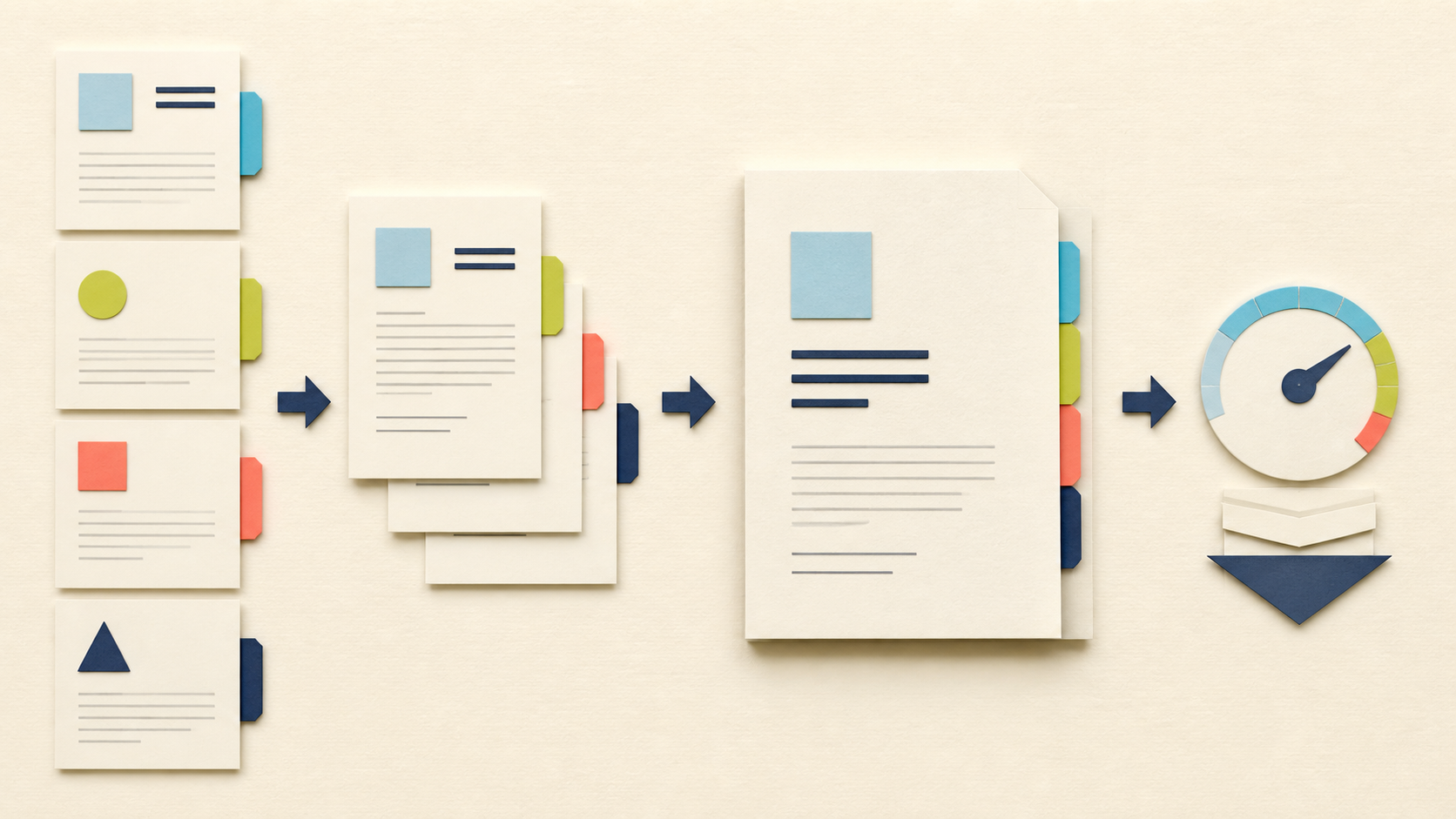
An application packet fails for ordinary reasons: the transcript is a draft, page two of a form is missing, filenames sort in the wrong order, or compression makes a stamp unreadable. A good workflow separates content selection from file-size reduction.
Create a source checklist
List every required component and the accepted order. Mark whether each item must be signed, dated, translated, or certified. Keep original files untouched in a source folder.
Rename working copies with a numeric prefix:
01-application-form.pdf02-cover-letter.pdf03-resume.pdf04-supporting-documents.pdf
The names are a control system. They make a missing or duplicated section visible before upload.
Build the packet in the right sequence
- Remove irrelevant pages with Split PDF.
- Put the final source files in the required order.
- Use Merge PDF to combine 2–10 files within the 16MB total upload request.
- Open the merged PDF and inspect every boundary between source files.
- If the destination has a lower limit, use Compress PDF only after the content is final.
- Compare the compressed copy with the merged original before submission.
Check names, dates, signatures, certification marks, page orientation, and small-print text. If the packet contains digital signatures or interactive forms, merging or splitting may invalidate their behavior; follow the recipient’s submission rules instead of assuming the rewritten PDF is acceptable.
Final submission check
Confirm the filename, total page count, and file size. Open the exact file you will upload—not an earlier copy. After submission, keep the source files, the final packet, and any confirmation receipt until the process is complete.
All PDF tools here process files on the server. Temporary files are scheduled for deletion after 60 minutes, but confidential and regulated documents should not be uploaded without appropriate authorization and redaction.
FAQ
Q: Should I compress each document before merging? A: Usually merge the final content first, then compress the finished packet. This makes it easier to inspect the exact file you will submit.
Q: What if the combined files exceed 16MB? A: Remove unnecessary pages or compress appropriate sources before merging. The entire Merge upload request must remain below 16MB.
Q: Can I merge digitally signed forms? A: Rewriting a signed PDF can invalidate or change the signature. Follow the recipient’s rules and keep the signed original.