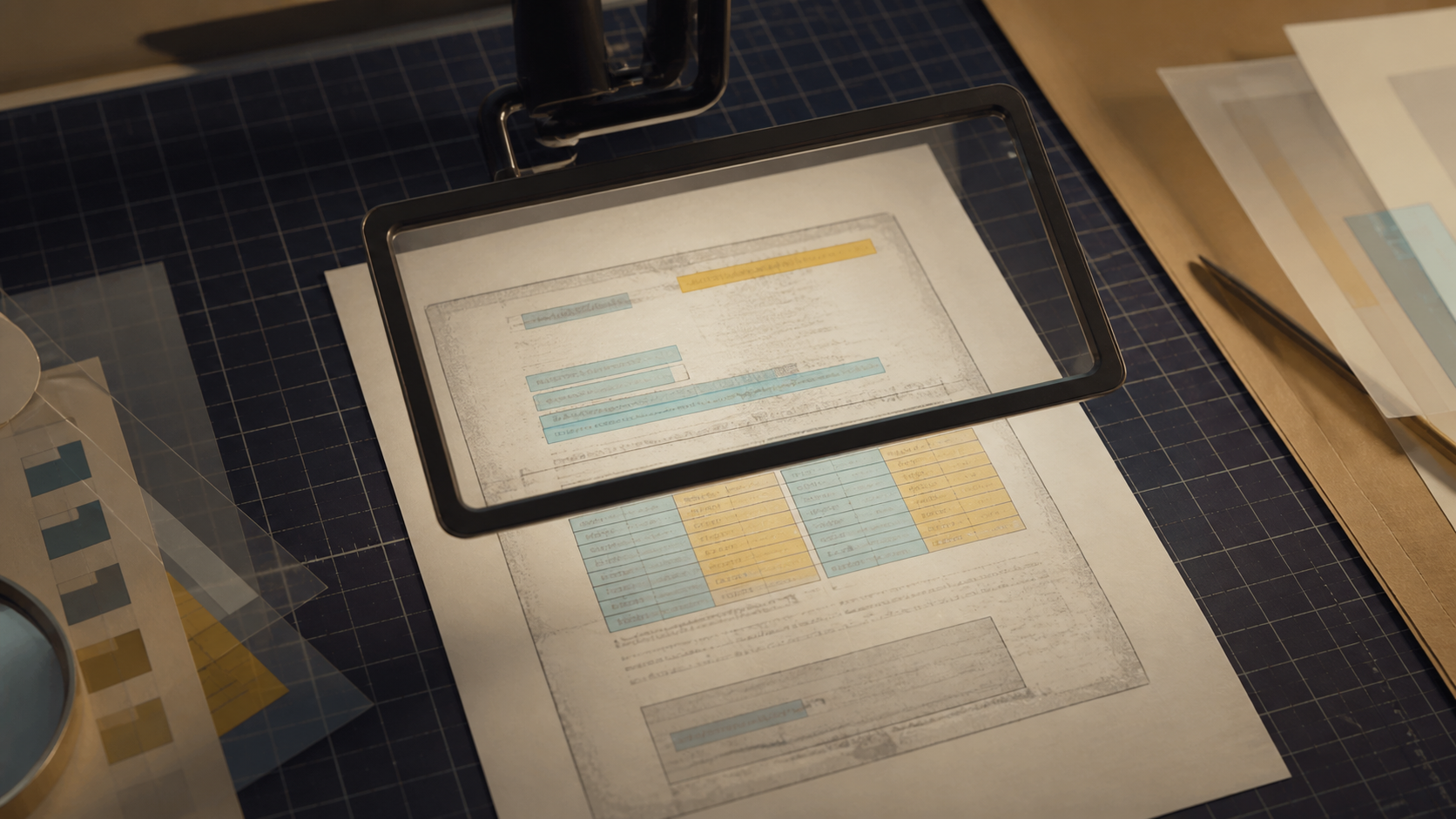
OCR errors are rarely dramatic. They are usually one wrong digit, a missing decimal point, a surname split across two lines, or a table cell attached to the wrong column. Those small errors are exactly why scanned-document output needs a review plan.
AI PDF Chat can attempt OCR or visual recognition when a PDF has no usable text layer. Treat that result as a navigation draft, not a verified transcription.
Check high-risk fields first
Prioritize content where one character changes the meaning:
- names, identification numbers, and account references;
- dates, amounts, percentages, and decimal points;
- table row and column alignment;
- negatives, footnotes, units, and currency symbols;
- handwritten corrections or low-contrast stamps.
Ask a focused question such as “List every date and amount on the processed pages, with a page reference.” Then compare each item with the page image. A confident answer is not evidence of accurate recognition.
Use a two-pass review
In the first pass, compare structure: headings, paragraph order, columns, and tables. In the second pass, compare high-risk characters one by one. Zoom into the source page rather than relying on a rendered thumbnail.
If a page is skewed, faint, or shadowed, improve the source scan before trying again. Recognition cannot reliably recover characters that are not visible.
Know the current boundary
AI Human Space does not currently provide a standalone full-document PDF OCR export. PDF Chat begins with the first two pages, creates an initial summary, and then attempts to process remaining pages in batches. Wait for the page-processing status before asking about later sections.
The PDF is server processed, and processed content may be sent to a third-party AI provider. Temporary files are scheduled for deletion after 60 minutes. Never upload unredacted sensitive or regulated documents.
FAQ
Q: Which characters are commonly confused by OCR? A: Common pairs include 0/O, 1/l/I, 5/S, 8/B, decimal points, commas, and minus signs. Fonts and scan quality change the pattern.
Q: Can OCR preserve complex tables perfectly? A: No. It may read the words while losing the relationship between rows and columns. Compare table structure manually.
Q: Should I use OCR output for legal or financial decisions? A: Not without verification. Check the original document and use a qualified professional when the decision is high stakes.