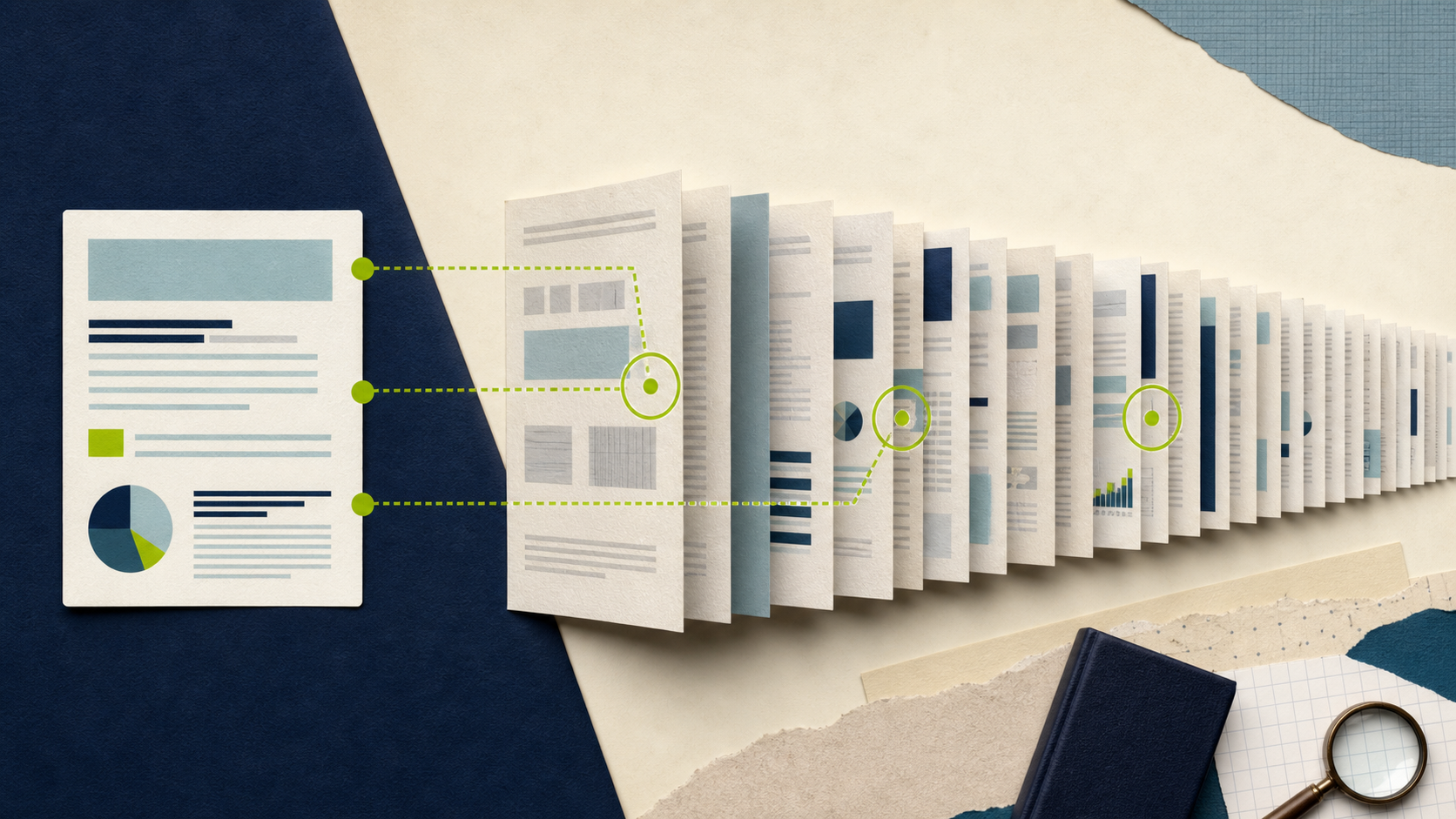
A polished summary can be wrong in a dangerous way: it may state the main rule correctly while omitting the exception that changes your decision. Verification is less about rereading every word and more about testing the summary where it is most likely to fail.
On AI PDF Chat, the initial summary is generated from the first two pages. The remaining pages are processed afterward in two-page batches. That means the first summary should be treated as an opening-page orientation, not a full-document abstract.
Run four verification questions
After the status confirms that the relevant pages are processed, ask:
- “Which claims in the summary come directly from the first two pages?”
- “What exceptions, limitations, or conditions appear later in the document?”
- “Which important facts are contained only in tables, footnotes, or appendices?”
- “List the page reference for each answer and state when no reliable page is available.”
Open every cited page and read the surrounding paragraph, not just the quoted sentence. Check definitions because everyday words can have a narrower meaning inside a contract, policy, or research paper.
Test numbers separately
Ask for dates, totals, percentages, sample sizes, and units as a separate list. Compare them with tables and charts. AI can transpose columns or attach a number to the wrong label even when the individual digits were recognized correctly.
For legal, medical, financial, or safety-critical material, use the tool only to navigate. Do not treat its answer as professional advice or a substitute for the source.
Record uncertainty in the output
When you share the summary, distinguish three things: facts verified on a source page, interpretations that depend on context, and questions that remain unresolved. This makes the summary useful without pretending it is more certain than the evidence.
FAQ
Q: Does the initial summary cover the whole PDF? A: No. On the current tool it uses the first two pages. Remaining pages are processed afterward for questions and search.
Q: Are page references proof that an answer is correct? A: No. A page link helps you find the source, but you still need to read the surrounding text and confirm that the answer interpreted it correctly.
Q: What should I verify first in a long report? A: Verify exceptions, definitions, numbers, tables, and claims that affect a decision or will be shared externally.